Take Control of Process Improvement
Lean Six Sigma Project Tracking & Management Software
TRACtion is the all-in-one Lean Six Sigma project tracking and management software that helps teams track progress, manage projects, collaborate, and drive measurable results.

Effortless Lean Six Sigma Project Tracking
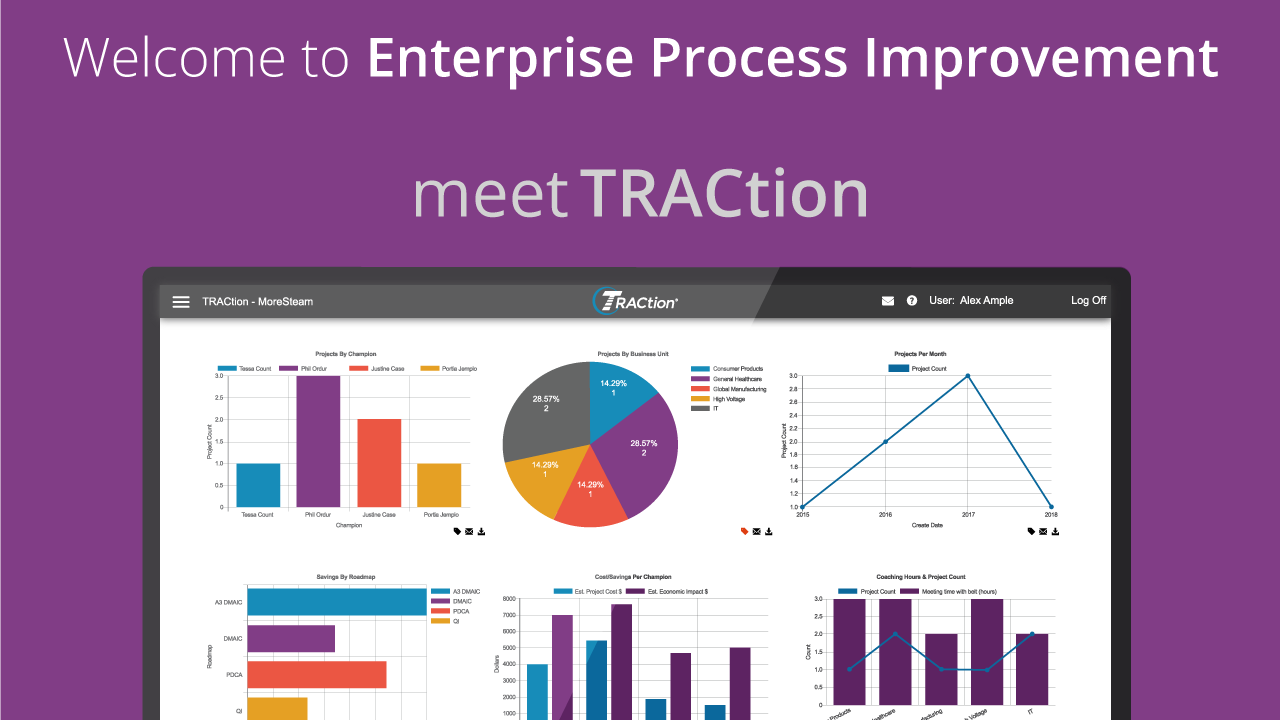
TRACtion streamlines Lean Six Sigma and process improvement initiatives by centralizing project tracking, collaboration, and impact measurement all in one platform.
Track Lean Six Sigma projects in real-time
Manage workflows with ease
Centralize collaboration
Measure impact & ROI
Scale your process improvement efforts

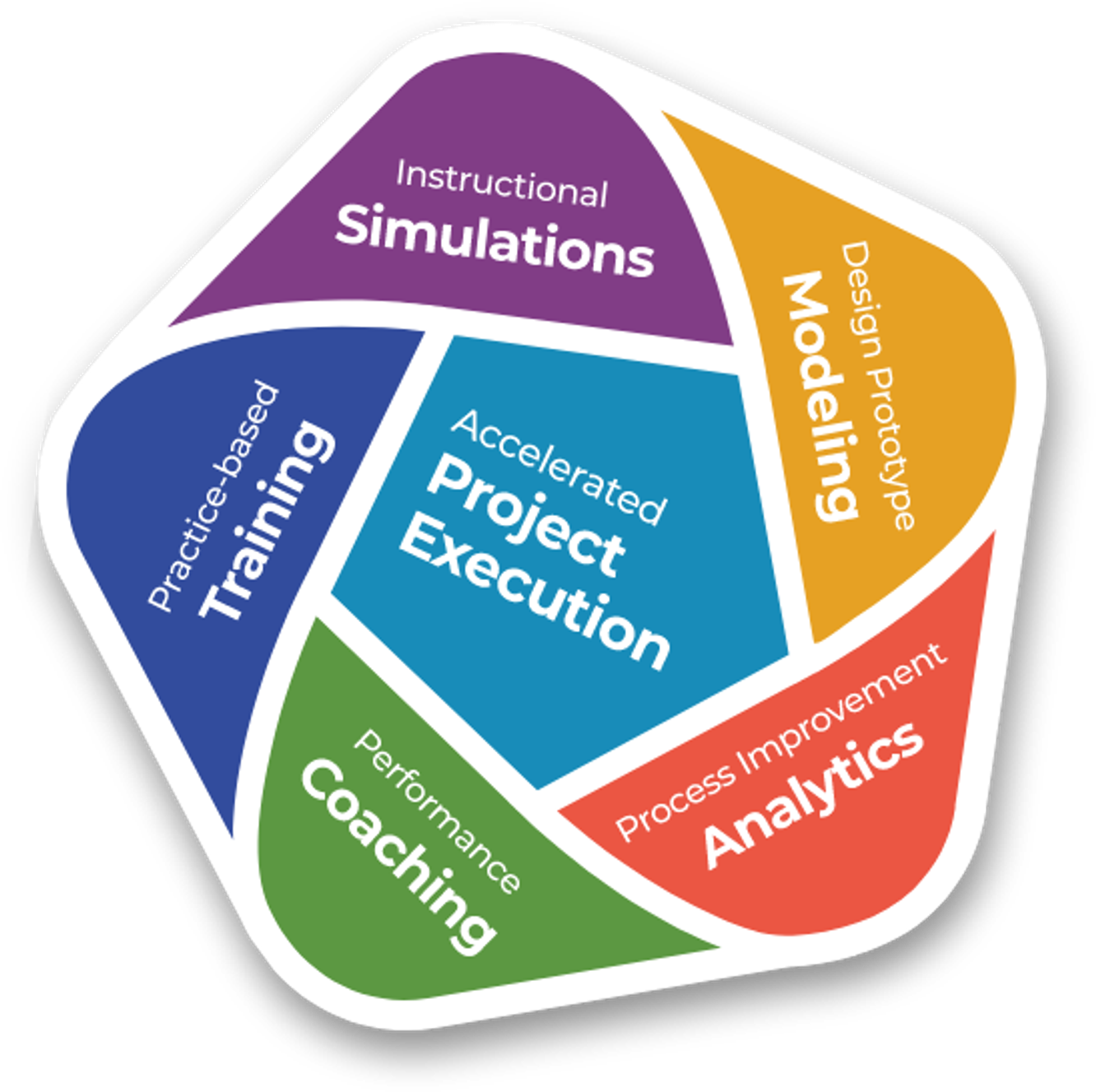
Accelerated Project Improvement Execution
Offering a measured balance between power and simplicity, TRACtion keeps Lean Six Sigma project execution at the forefront. MoreSteam's integrated Lean Six Sigma technology platform provides all the necessary tools to support continuous improvement as a sustainable, scalable system.
- Accelerated Project Execution using TRACtion®
- Interactive Practice-based Online Training
- Instructional Simulations and Games
- Data Analytics with EngineRoom®
- Process Modeling with Process Playground
- Performance Coaching using Coach View
See Why More Companies Trust TRACtion
Projects Tracked
Total Savings
Fully Customizable
PLANNING
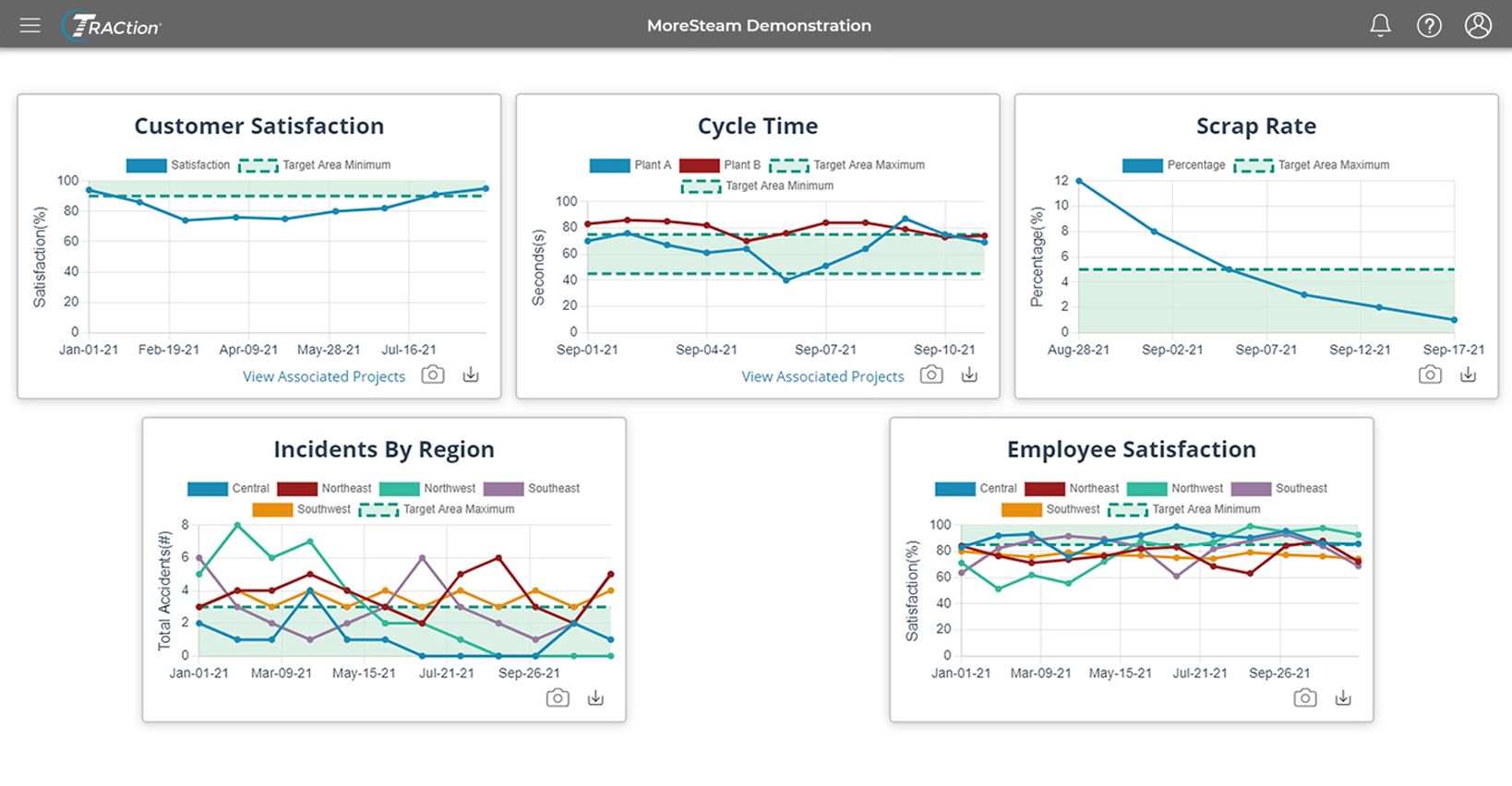
Improve Project Selection to Drive KPIs
Choosing the right projects is the foundation of successful Lean Six Sigma project management. TRACtion helps you align initiatives with Key Performance Indicators (KPIs) to ensure measurable impact. With built-in AI Assist, teams can refine project charters and problem statements in real time, ensuring clear scope, boundaries, and key metrics from the start. By making project metrics more visible and accessible, teams can track progress effectively and make data-driven decisions.
With TRACtion you can:
- Ensure project selection aligns with key business objectives
- Make KPIs visible within Six Sigma project tracking dashboards
- Leverage graphical summaries for quick insights
- Drill down into data tables for detailed analysis
DOING
Increase Project Completion with Clear Workflows & Accountability
Successful Lean Six Sigma projects rely on clear workflows, defined responsibilities, and real-time visibility. TRACtion enforces workflow rules and standardization to keep projects on track, ensuring each phase is completed efficiently. By making project status highly visible, TRACtion brings accountability to process improvement, helping teams identify and address stalled projects before delays impact results.
How TRACtion supports your team:
- Assign and track tasks automatically for consistent follow-through
- Increase visibility to drive accountability and timely intervention
- Improve project success rates while staying on time and on budget
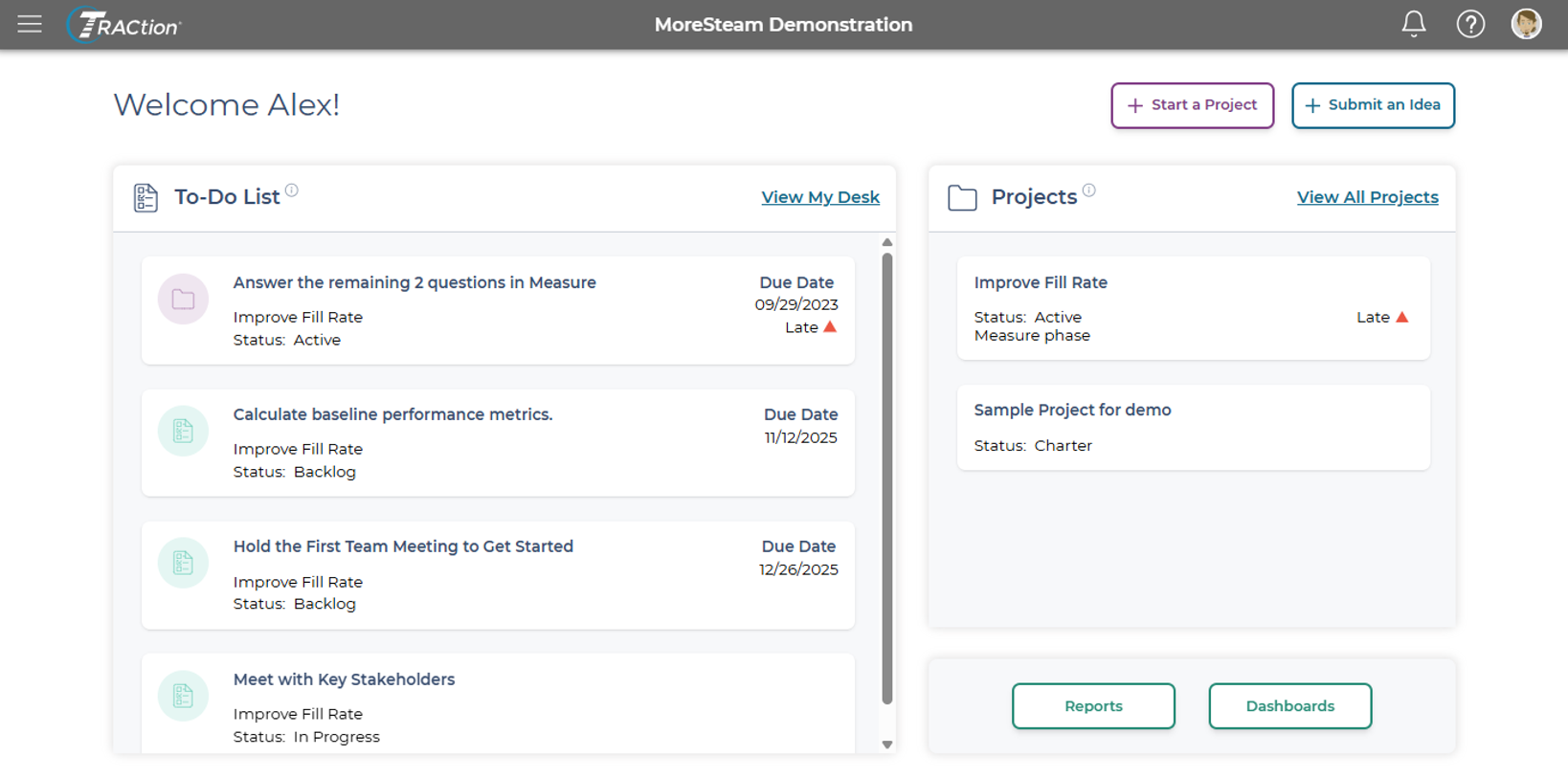
A Platform Built for Continuous Improvement Teams
Customized Reports and Dashboards
TRACtion eliminates the hassle and saves time with a simple interface to distribute insightful reports and dashboards to stakeholders.
Proven Pathways to Done
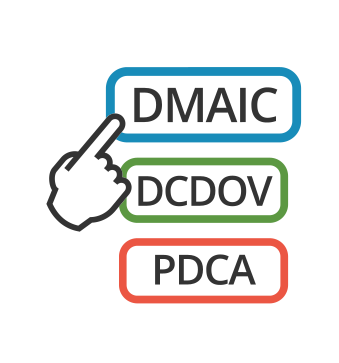
TRACtion has over a dozen pre-loaded roadmaps along with the ability to customize your own project roadmaps. You create your own rules for reviews and approvals.

Enhanced Visibility
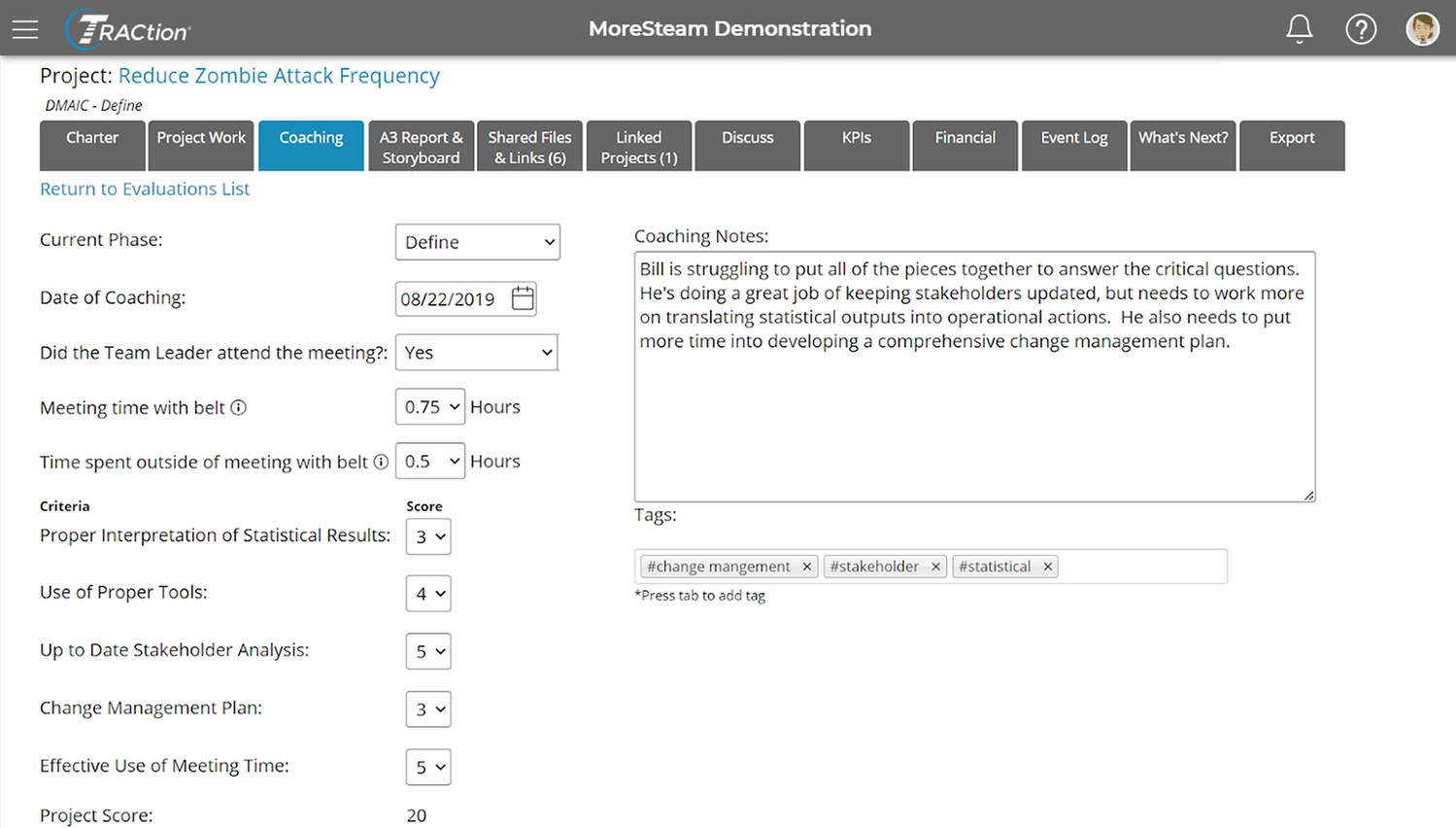
Project work is visible in TRACtion so coaches can monitor progress and provide real-time guidance to keep things going. Its integrated coaching interface enables coaches to plan, deliver, and document coaching sessions.

Advanced security
Iron-clad data security is our #1 priority. Data is fully encrypted at all times. Our safeguards assure that the TRACtion infrastructure remains robust and resilient to intrusion.

Integrated Enterprise Platform
The TRACtion platform is seamlessly integrated with EngineRoom data analysis and MoreSteam's eLearning.
Continuous Innovation
Our dedicated development team delivers frequent updates and improvements. Our newest feature, AI Assist, helps teams refine project charters and problem statements using the power of AI.
REPORTING
Make Critical Deployment Information Visible & Actionable
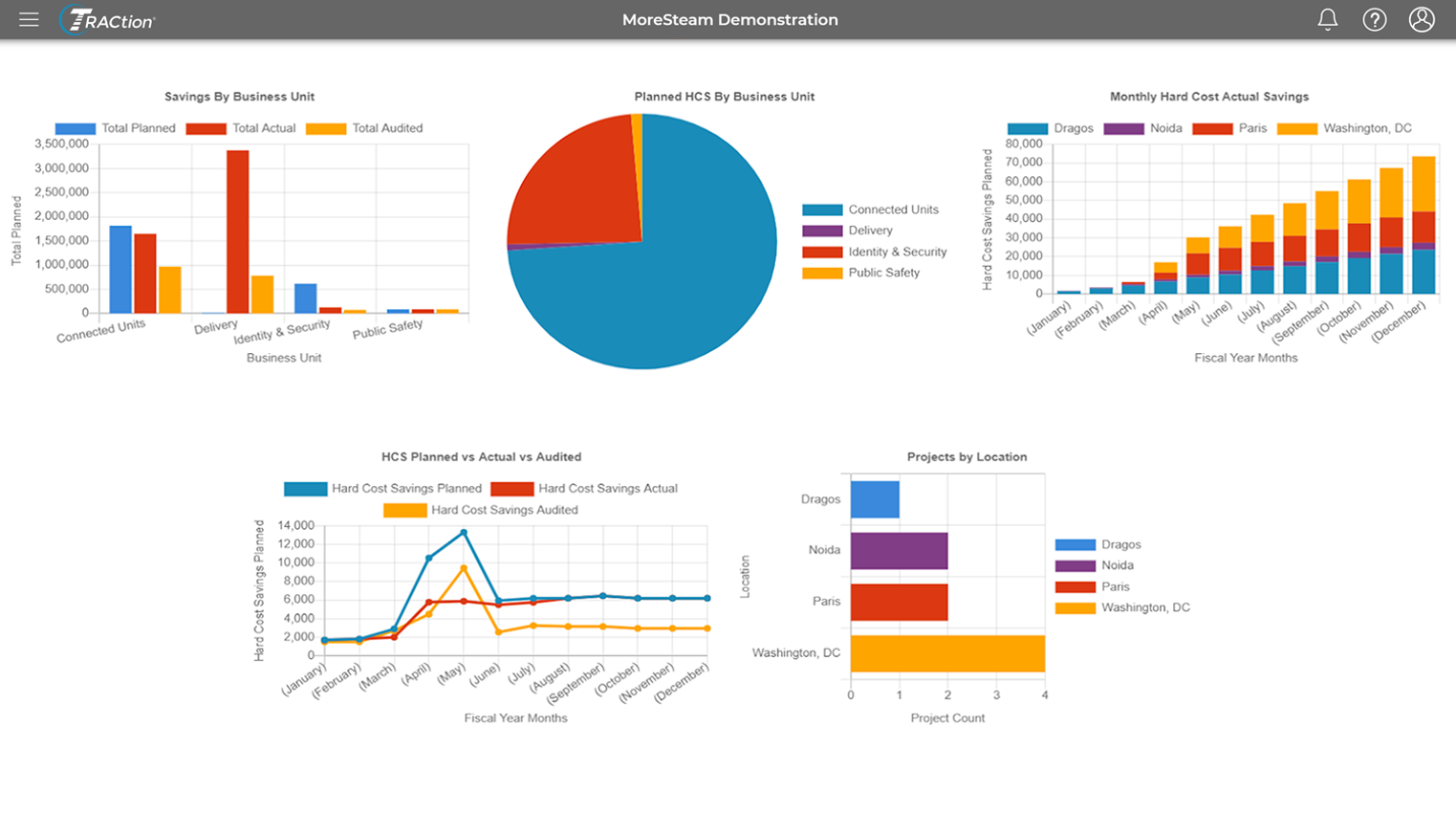
Effective process improvement requires more than just execution—it demands visibility. TRACtion's customizable and automated reporting engine ensures that critical project insights reach the right people, from team members to leaders and champions. By keeping stakeholders informed, TRACtion turns project success into measurable impact.
Deliver Actionable Insights with TRACtion:
- Automate reports to keep teams and leaders aligned
- Customize dashboards to highlight key project metrics
- Ensure every success is documented and shared
LEARNING
Keep Projects on Time & on Budget
Keeping projects on schedule and within budget requires seamless access to the right training and tools at every phase. With MoreSteam's world-class Lean Six Sigma training, teams can leverage just-in-time learning to enhance decision-making and execution.
Empower teams with:
- On-Demand Process Improvement Training
- Guided Support for Every Project Phase
- Actionable Resources to Reduce Delays

TRACtion is a great project management tool that guides belts with key questions for each project phase, automated workflow for reviews/approvals, and capability to track financial benefits. The new integration to attach EngineRoom studies directly to TRACtion is a great addition. I also like that TRACtion can be customized to the client's needs if necessary.
Amita S.
Performance Improvement Consultant
We grew from 50-300+ projects, and TRACtion made it easy for us. We also use it at my current company for the same reason, and are seeing the same impact and ease of use. From a Master black belt, or program lead, it is a tremendous tool. For the belts, the link to e-training is critical, and the ability to follow the project pathway makes progress easy to track and process.
William S.
Sr. Managing MBB
TRACtion enables MBBs and sponsors to oversee far more projects than they could without it. The critical questions in each phase (customizable) do a good portion of the coaching a belt needs, cutting down on the back and forth usually required as a coach. I am very excited about the new functionality which will allow us to move seamlessly from EngineRoom to TRACtion--again avoiding duplicate work.
Andrea K.
LSS Deployment Leader, MBB
COACHING
Maximize Project Success with Expert Guidance
Successful Lean Six Sigma projects require more than just the right tools—they need timely guidance from experienced mentors. TRACtion helps organizations connect project teams with internal experts, ensuring support is available at critical moments. With built-in coaching tools and analytics, teams can get the insights they need to drive better outcomes.
Transform your coaching strategy:
- Access on-demand coaching from your Lean Six Sigma experts
- Customize coaching strategies to fit unique project requirements
- Enhance overall project performance with real-time support
INTEGRATION
Seamless Project Execution with EngineRoom
Efficiency in Lean Six Sigma depends on eliminating waste—especially in data management. TRACtion integrates seamlessly with EngineRoom, allowing users to link analysis results directly to their projects. By removing non-value-added steps, teams can ensure stakeholders always have access to the most current and accurate project data.
Streamline Workflows with TRACtion:
- Connect EngineRoom analysis directly to TRACtion projects
- Eliminate redundant data entry and manual updates
- Ensure stakeholders always have real-time project insights

TRACtion Resources
Stay informed with expert insights, best practices, and in-depth guidance on using TRACtion to drive project success. From blogs and articles to webinars and tutorials, these resources are designed to help you maximize efficiency, improve project visibility, and enhance Lean Six Sigma execution. Explore even more valuable content in the MoreSteam Resources library.