

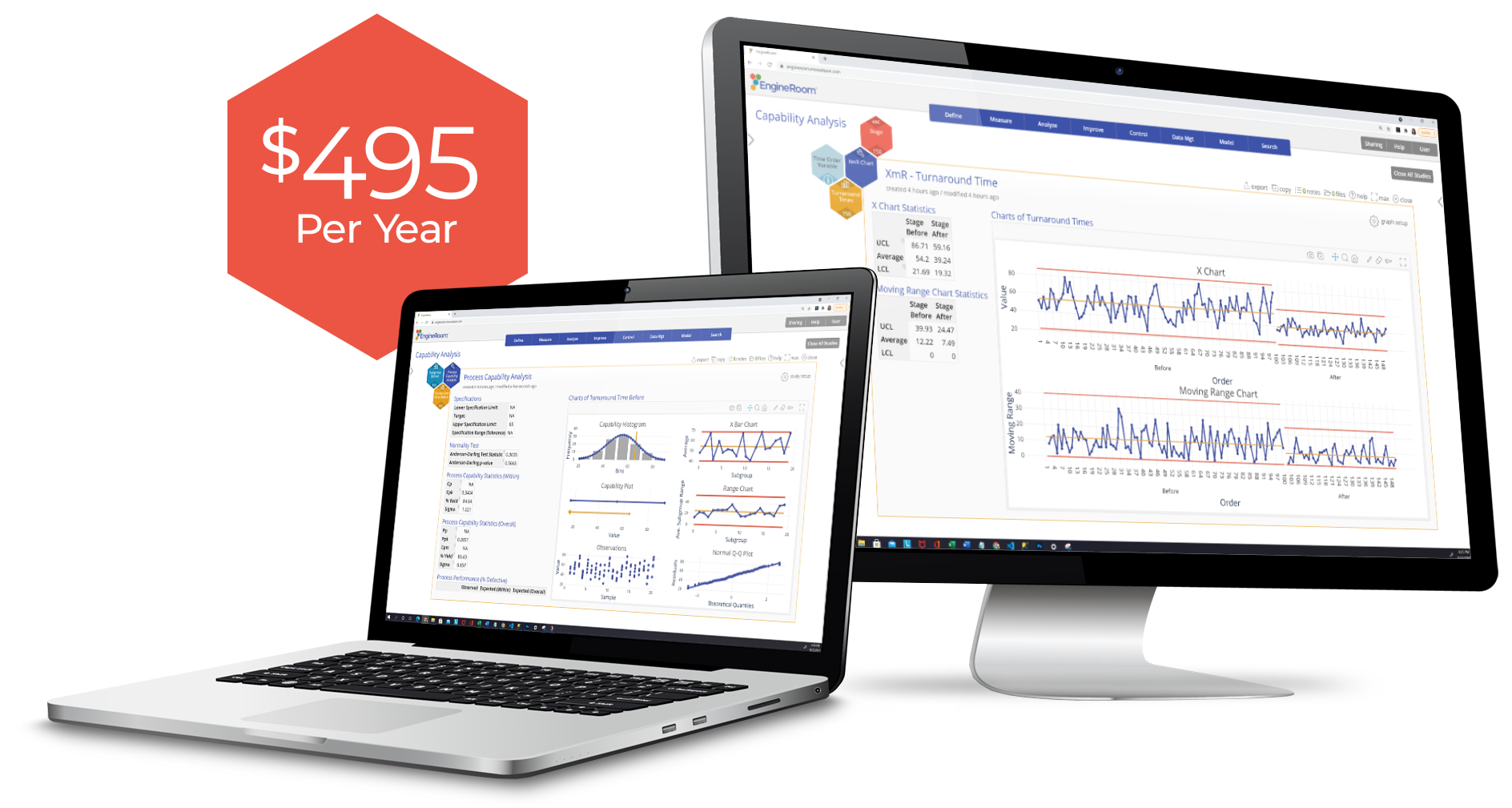
The Smarter, Cost-Effective Choice for Data & Statistical Analysis Software
Are you overwhelmed by complex software or high costs that make data analysis feel out of reach? EngineRoom simplifies powerful analytics so you can focus on making smarter, faster decisions that drive real results.
Easy to Learn, Intuitive Design
Transparent Pricing, No Surprises
Advanced Statistical Tools
Continuous Improvement Tools
Process Modeling

In Partnership with the Organizations Advancing Quality and Improvement
Through our partnerships with ASQ and IISE, EngineRoom is available to professionals through the associations they already know and trust. Together, we're expanding access to the tools that make quality improvement more effective and more accessible for every team.


TRUSTED BY
The Essential Tool for Operational Excellence Teams
After using Minitab, SPSS, SAS, and R for years, EngineRoom was a breath of fresh air.
I've been using [EngineRoom] for over 10 years now. No need to have a masters in statistics to correctly interpret the output of your statistical analysis and hypothesis tests, EngineRoom does all that for you. All you need to do is read the conclusion in output, but it still provides all the detailed stats to support the conclusions. Importing data is also super simple and robust to different formats.
Chris M.
Associate Director, Master Black Belt

Process Playground is so elegantly simple.
Process Modeling allows us to be incredibly efficient and a lot more creative in our hypothesis testing because we can dream big, right? It's just a matter of changing parameters in the model, and we can show each other and show our users and operators: 'Well, if we make this change, this is what will happen to our output' - and it's just a matter of clicks. And it doesn't work, we didn't waste anybody's time; we didn't waste any material or anything like that, and we can move on to the next option.
Ryan M.
Senior Operational Excellence Program Manager

Explore the Tools That Turn Problems into Progress
EngineRoom provides an affordable, powerful toolkit for every stage of quality improvement. Streamline processes and drive better outcomes with data analysis software built to solve complex problems, ensure consistency, and support confident, data-driven decisions. Explore how each feature can support your goals— see all of EngineRoom's tools in action.

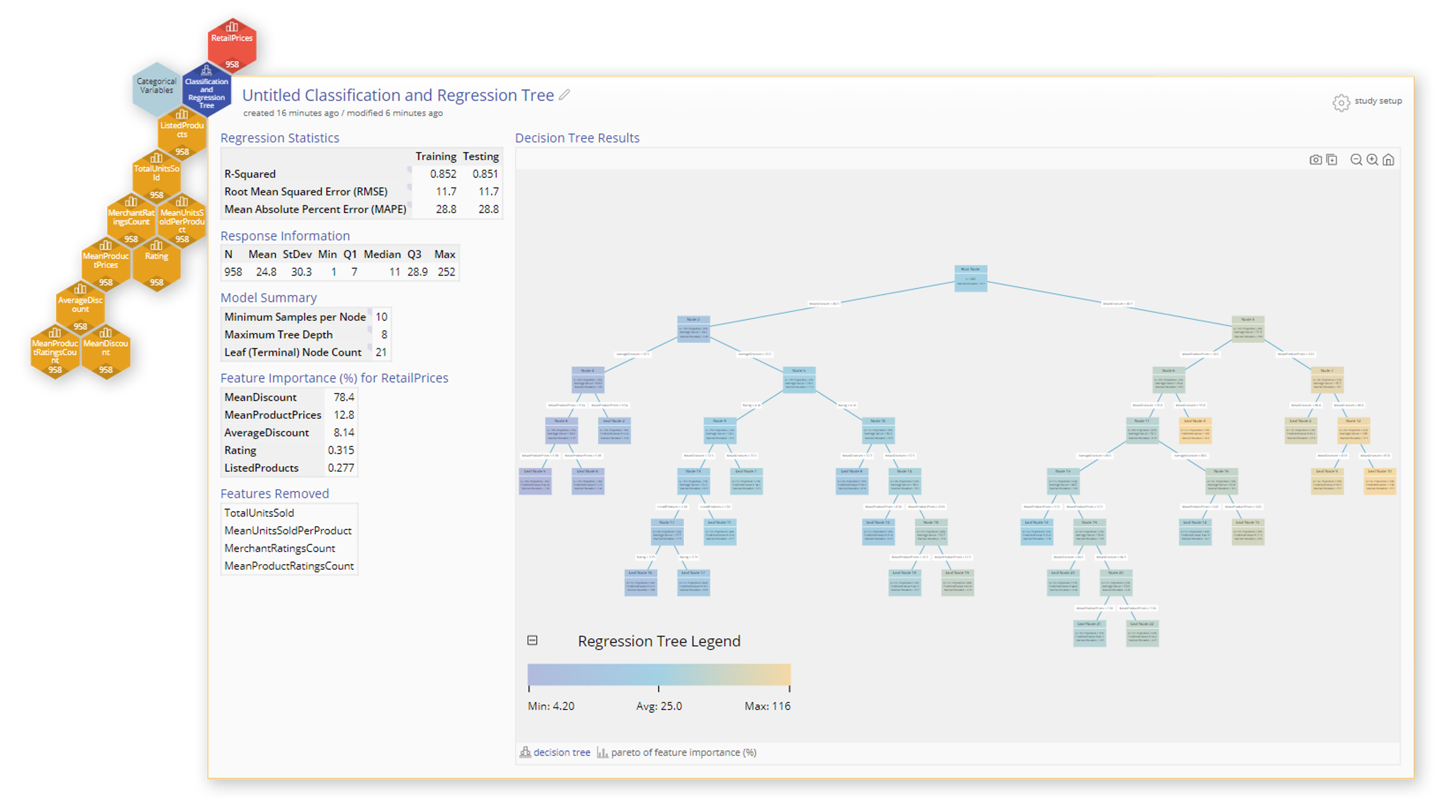
Advanced Statistics for Confident Decision-Making
Harness powerful features like classification and regression trees, logistic regression, and response surface methods for DOE to transform data into actionable insights. EngineRoom combines advanced analysis with intuitive design, making improvement easier than ever—from sampling large data sets to providing recommended next steps and interpretations of study results. EngineRoom breaks down complex statistics so your entire team can make data-driven decisions with confidence.

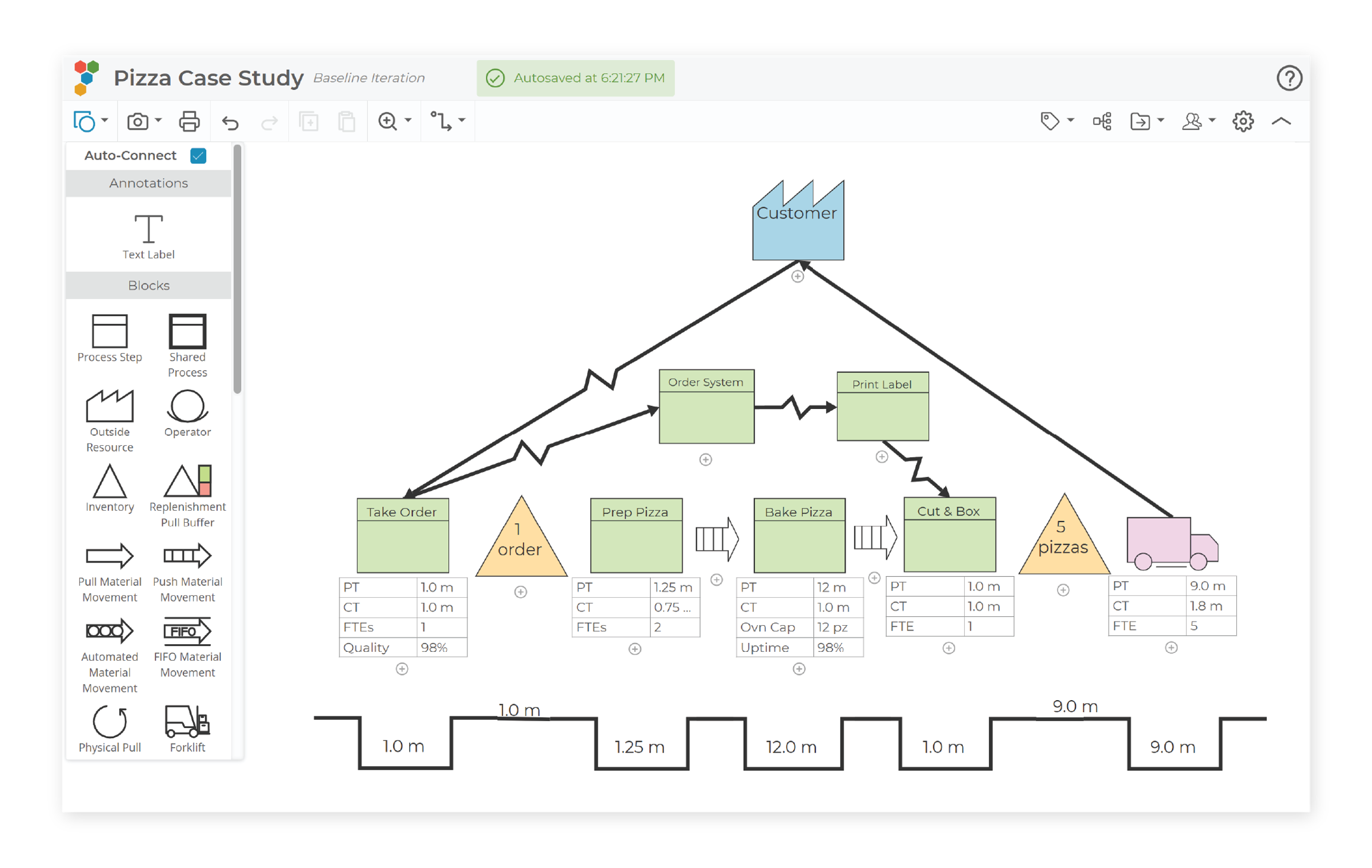
Drive Business Excellence with Tools for Continuous Improvement
EngineRoom offers a comprehensive suite of Lean Six Sigma tools designed to streamline process improvement. Its intuitive platform includes features like Value Stream Mapping, Fishbone Diagrams, and CTQCs, enabling teams to identify inefficiencies, analyze root causes, and complete improvement projects.

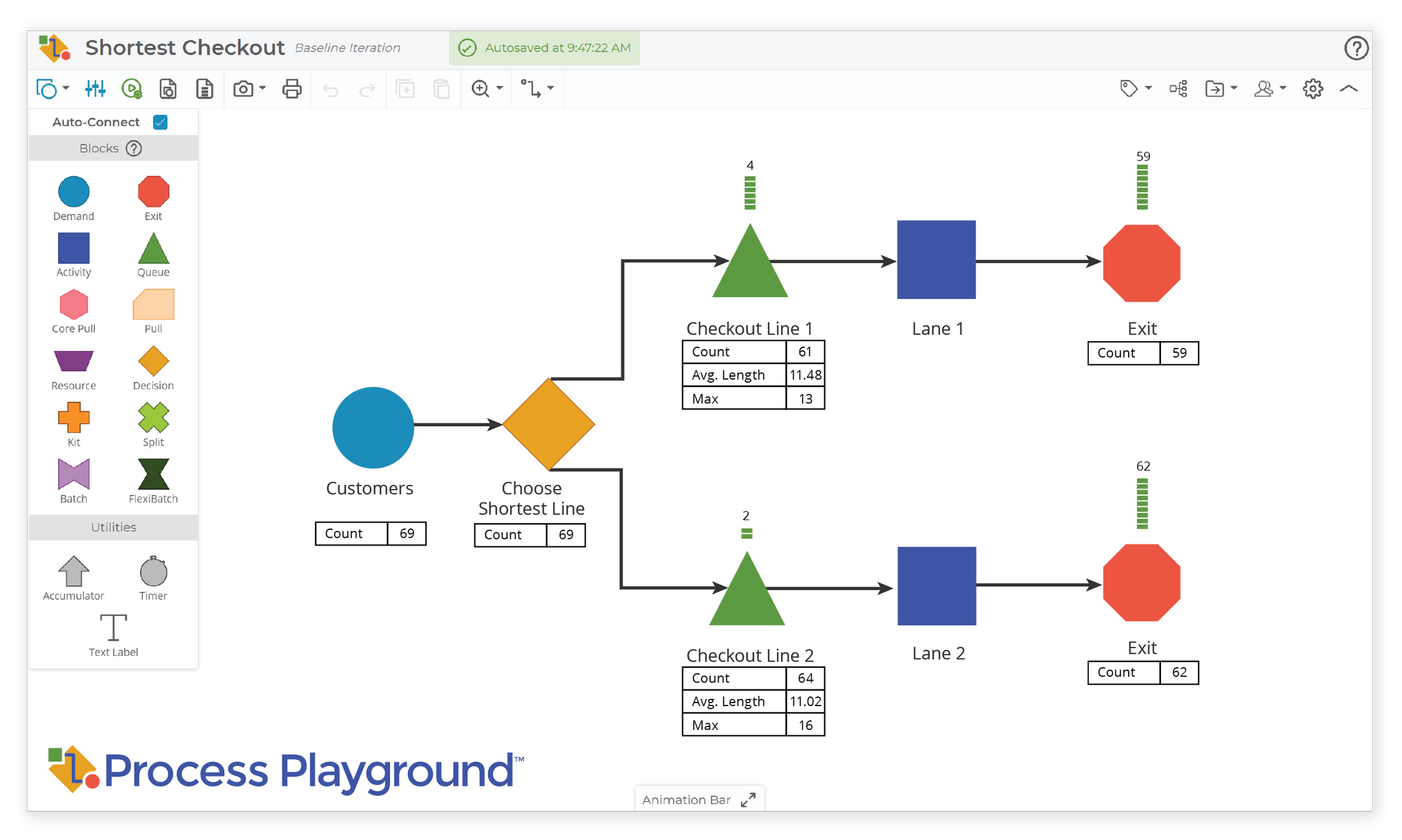
Visualize, Model, and Optimize Processes for Better Performance
Process Playground empowers teams to map workflows, simulate changes, and uncover opportunities for improvement. Test ideas and refine processes in a virtual environment—eliminating the need to waste time, materials, or resources on real-world trials.
Why EngineRoom Outperforms the Competition
Why spend more on expensive and hard-to-use statistical software? EngineRoom delivers advanced statistics and comprehensive data analysis tools for all quality professionals that are accessible, affordable, and easy to use. Compare how EngineRoom stacks up:
| Software Benefits | EngineRoom | Other Data Analysis Software |
|---|---|---|
| Software Benefits: Advanced Statistical Tools | EngineRoom: Hypothesis testing, statistical process control (SPC), design of experiments (DOE), capability analysis, and classification and regression trees | Other Data Analysis Software: Similar tools, but frequently bundled with advanced features, which can lead to higher costs for rarely-used options |
| Software Benefits: One-Stop Shop | EngineRoom: Quality improvement software featuring statistical tools, diagramming and process mapping, continuous improvement templates and discrete event simulation | Other Data Analysis Software: These features may require add-ons or separate purchases |
| Software Benefits: Languages | EngineRoom: EngineRoom is available in 10 different languages: English, German, Spanish, French, Italian, Polish, Portuguese, Simplified Chinese, Japanese, and Korean. | Other Data Analysis Software: Offers support for up to eight languages, providing fewer language options than EngineRoom's ten. |
| Software Benefits: New Features & Tools | EngineRoom: Automatic updates with new features and enhancements are always included, free of charge, and require no additional downloads | Other Data Analysis Software: Updates and new features may not be included with all license levels and could incur additional costs |
| Software Benefits: Ease of Use | EngineRoom: Intuitive, user-friendly interface; get started in minutes | Other Data Analysis Software: Steep Learning Curve; often requires in-depth training |
| Software Benefits: Customer Support & Resources | EngineRoom: Full access included, no IT setup required, dozens of tutorials and customer support from real people | Other Data Analysis Software: Tiered support, with full access usually at added cost |
| Software Benefits: Compatibility | EngineRoom: Cloud-based software accessible on both PC and Mac | Other Data Analysis Software: Limited compatibility; some software is PC-only |
| Software Benefits: Annual Price Per User | EngineRoom: $495 | Other Data Analysis Software: $1800+ with additional fees |

Fresh Content at Your Fingertips
EngineRoom and MoreSteam provide your team with an ever-growing library of resources, including free webinars, tutorials, blogs, and expert insights. These tools are designed to help you harness the full potential of powerful data analytics software, whether you're a small business or a larger organization. Explore even more valuable content in the MoreSteam Resources library.





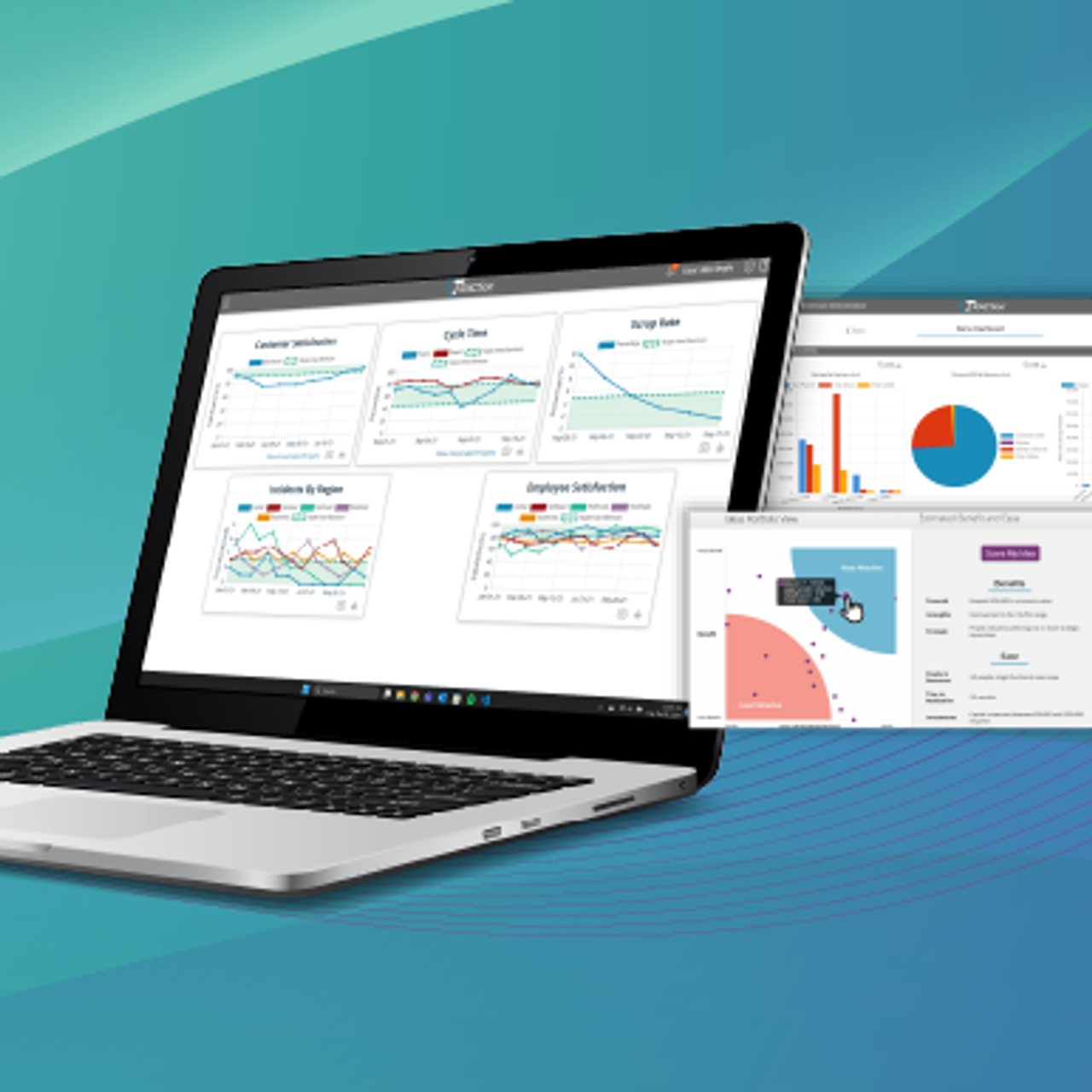


EngineRoom Powers Process Improvement
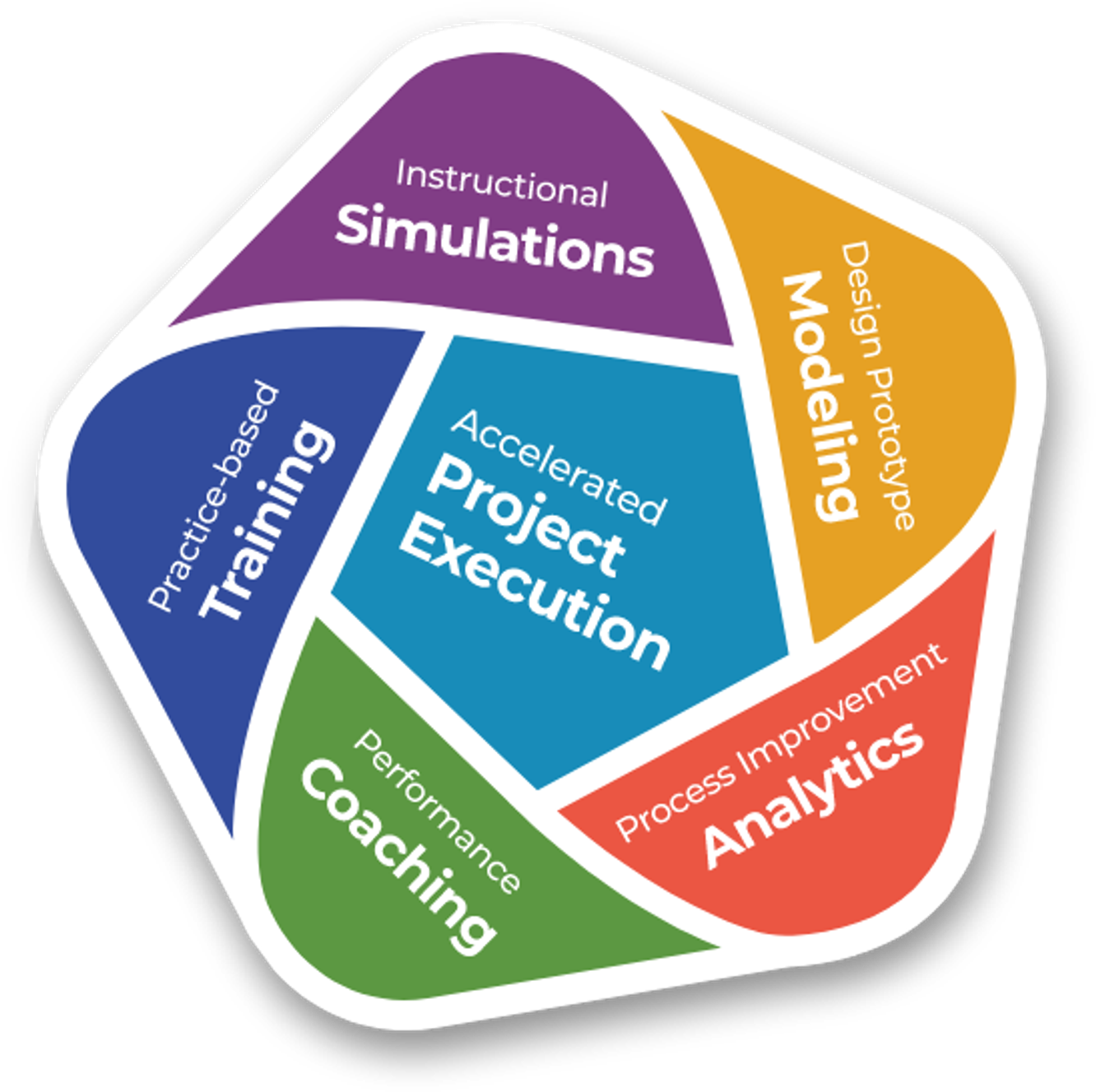
Realize the full potential of your organization with EngineRoom as part of MoreSteam's integrated technology platform. Designed for enterprise teams, our comprehensive suite of tools delivers scalable solutions for process improvement, helping you maximize ROI while minimizing training and support costs.
- Accelerated Project Execution using TRACtion®
- Interactive Practice-based Online Training
- Instructional Simulations and Games
- Data Analytics with EngineRoom®
- Process Modeling with Process Playground
- Performance Coaching using Coach View
Trusted by Quality & Continuous Improvement Professionals Worldwide
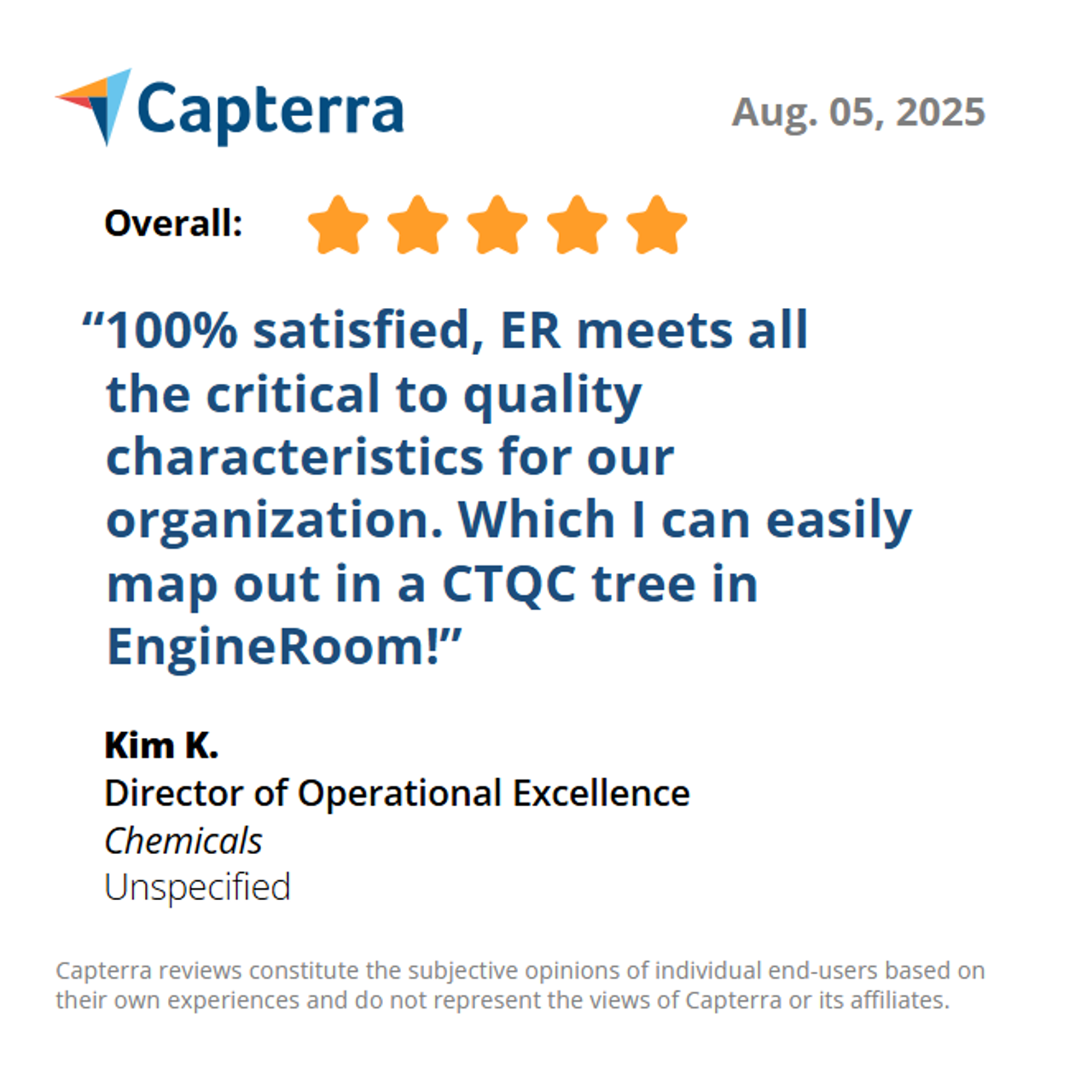
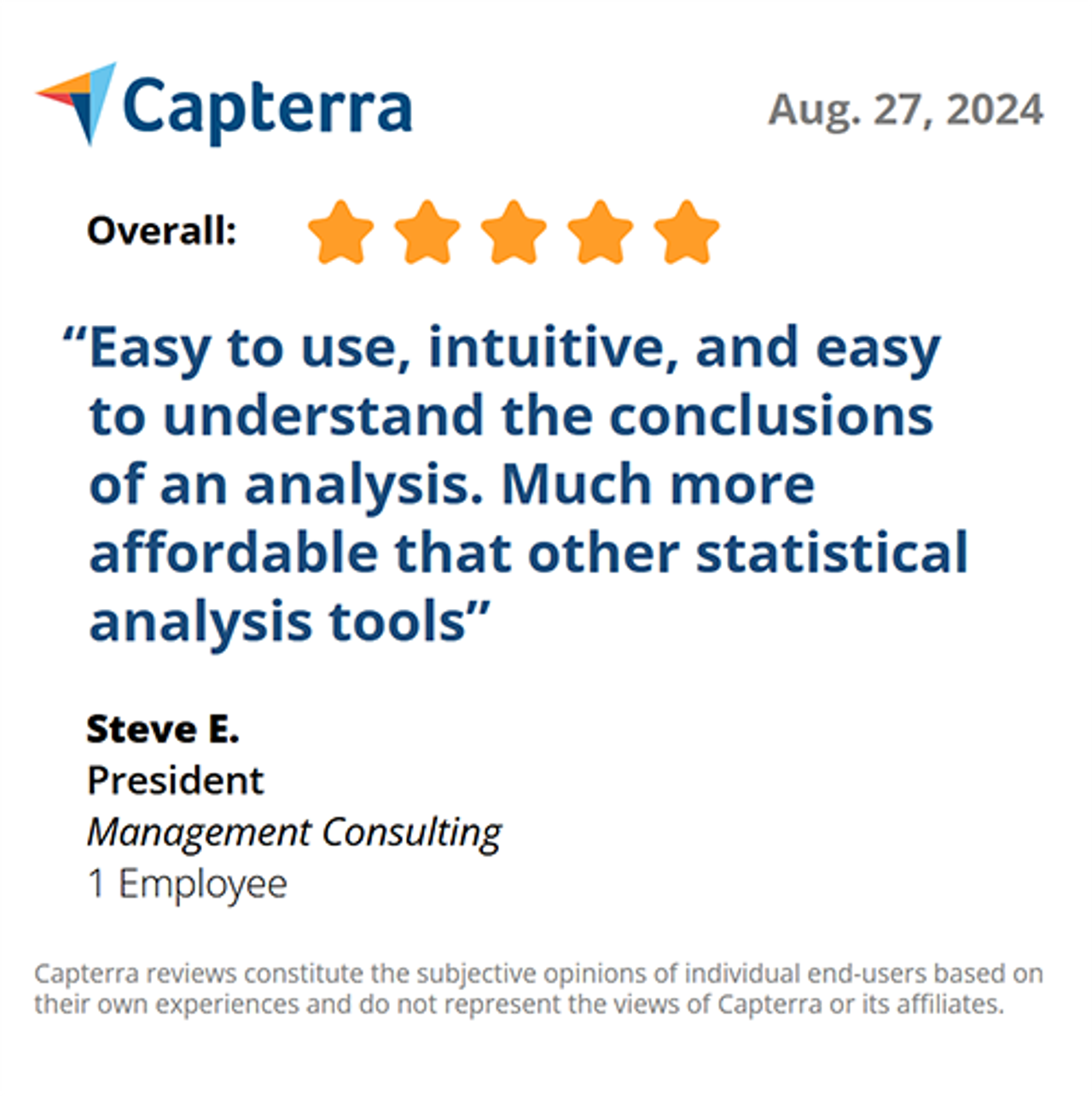
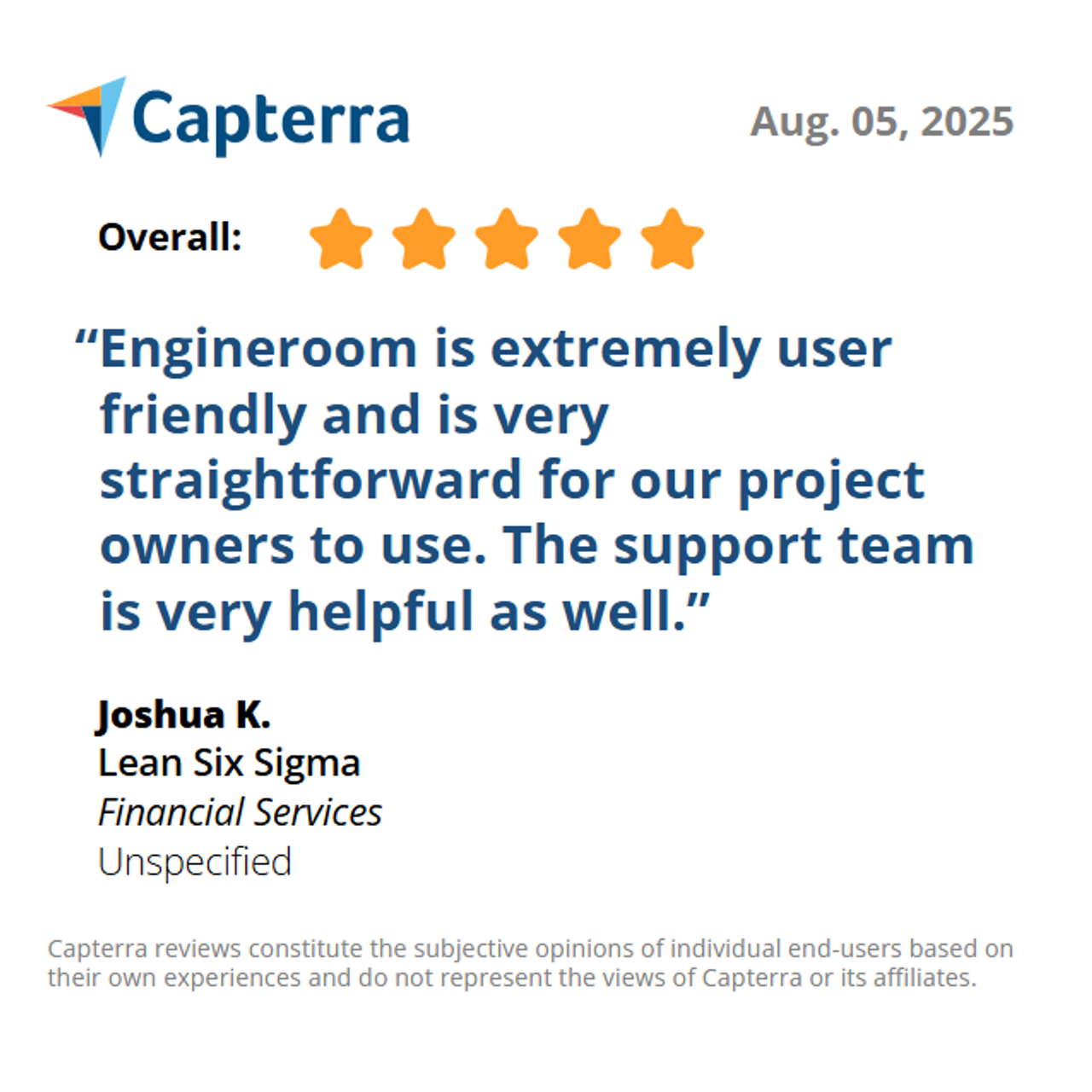
Leading companies and quality professionals trust EngineRoom as the best data analysis software for accessible, powerful insights and continuous improvement. See what users are saying about their experience:
Recognized as a Leading Global Data Analysis and Statistics Software Solution


Security, Service, & Support: A Platform You Can Trust
EngineRoom is a secure, cloud-based platform compatible with both PC and Mac, making it an excellent choice for teams seeking reliable statistical software. With top-tier data protection and personalized support, EngineRoom has everything your team needs to succeed.
- Cross-Platform Compatibility: Works seamlessly on both PC and Mac.
- Robust Security: Ensures your data is protected with advanced measures.
- Broad Language Support: Available in 10 languages, offering more accessibility than other statistical software.
- Dedicated Support: Access tutorials, sample datasets, instructional videos, and responsive customer service from our product team to guide you every step of the way.